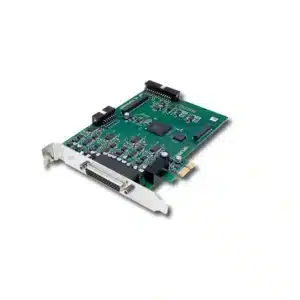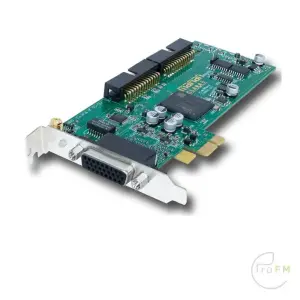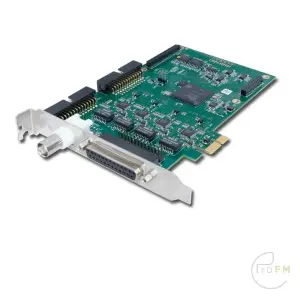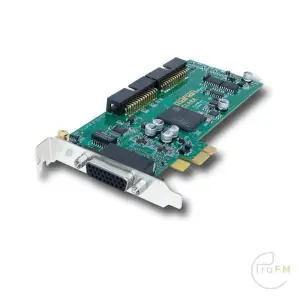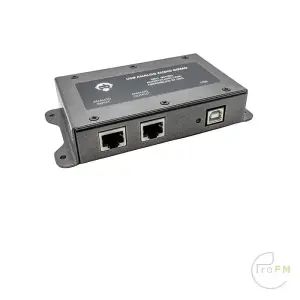
Angry Audio USB Analog Audio Gizmo
€ 299,00 EX VAT

A professional audio interface plays an essential role in modern radio broadcasting, recording studios and professional audio production. Sound cards and audio interfaces provide reliable connections between computers, radio automation systems, mixing consoles and other professional audio equipment. Furthermore, they help broadcasters maintain consistent audio quality throughout their production and transmission workflows.
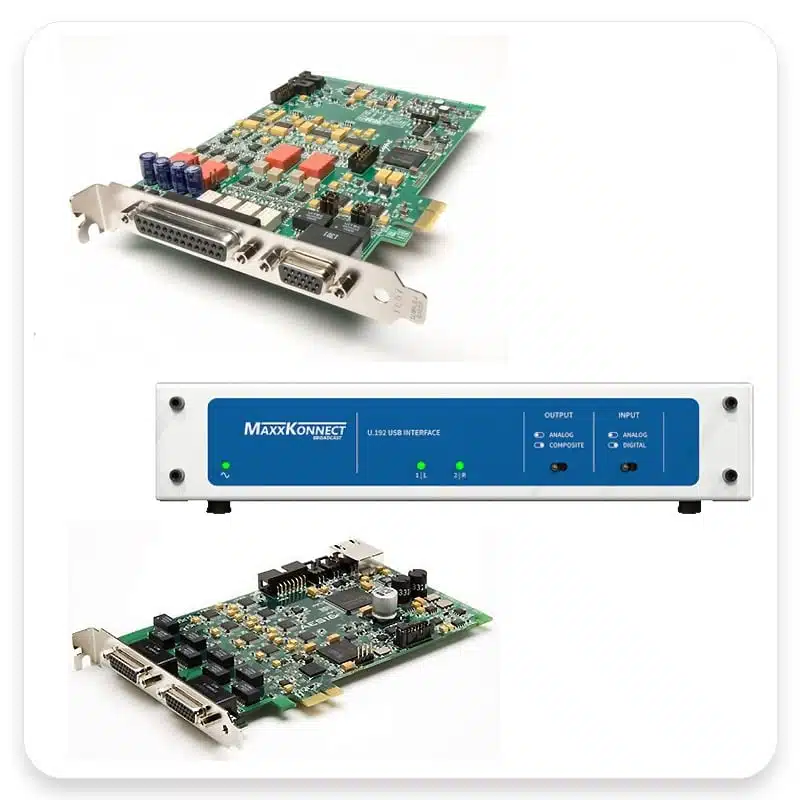
At ProFM Broadcast, we offer professional audio interfaces, PCIe sound cards and USB audio solutions for broadcast studios, radio automation systems and professional recording applications. In addition, our selection includes equipment from specialist manufacturers such as Lynx Studio, Marian and Angry Audio.
These manufacturers provide solutions for analogue audio connections, digital audio transmission and multichannel audio applications. As a result, broadcasters can select equipment that matches their specific technical requirements.
Whether you are building a new radio station, upgrading an existing studio or integrating a computer-based playout system, choosing the right audio interface is essential for dependable audio performance.
Professional audio interfaces connect computers with external audio equipment. In addition, they allow engineers to record, process and play back audio signals through professional audio systems.
Depending on the model, an audio interface may provide analogue inputs and outputs, digital audio connections, multichannel operation and dedicated software drivers. Consequently, professional users can choose a configuration that suits their recording or broadcasting environment.
These features are particularly important in environments where engineers require reliable audio transmission and continuous operation.
For example, professional audio interfaces support applications such as:
However, the most suitable interface depends on the required number of audio channels, connection types, software compatibility and installation environment.
A dedicated broadcast audio interface connects a radio station’s computer systems with its professional audio infrastructure. Therefore, it forms an important part of many modern radio studios.
For example, broadcasters use audio interfaces to transfer audio between radio automation software, digital playout systems, mixing consoles and recording equipment.
Professional broadcasting environments often require multiple independent audio outputs for programme playback, preview channels, recording and monitoring. As a result, multichannel audio interfaces can offer significant advantages over standard computer audio hardware.
Depending on the selected hardware and software, an interface may support several simultaneous audio channels and independent routing options.
Computer-based radio automation systems require dependable audio output for continuous programme playback. Therefore, broadcasters often select professional sound cards with dedicated drivers and multiple audio outputs.
For instance, professional sound cards can provide separate outputs for programme audio, cue monitoring and additional audio sources.
Furthermore, multichannel interfaces allow radio automation systems to handle several independent audio signals simultaneously.
Before selecting equipment, broadcasters should verify driver support, operating system compatibility and the available audio connections.
Professional audio interfaces connect computers to analogue or digital broadcast mixing consoles. In addition, they allow engineers to integrate computer-based audio sources into existing studio installations.
Depending on the equipment, connections may include balanced analogue audio, AES/EBU digital audio and USB interfaces.
Therefore, choosing the correct connection format helps ensure compatibility with the existing studio infrastructure.
Broadcast engineers and audio professionals widely use PCI Express sound cards in professional audio workstations, broadcast computers and studio installations.
Unlike external USB interfaces, PCIe cards connect directly to a compatible computer’s internal expansion slot. As a result, they provide an integrated hardware solution for many fixed studio installations.
These cards can offer multiple audio inputs and outputs, dedicated audio drivers and professional connection options.
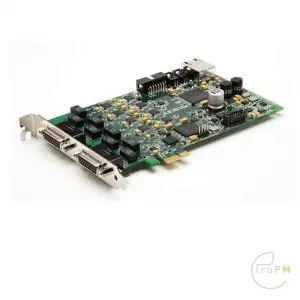
Our range includes professional PCIe solutions from manufacturers such as Lynx Studio and Marian.
Lynx Studio develops professional audio cards for recording, production and broadcast applications.
For example, models from the Lynx AES16e series provide digital audio connectivity for systems requiring multiple AES/EBU channels.
In addition, other Lynx models offer professional analogue audio connections for recording and playback applications.
However, channel configurations and connection formats vary between individual models. Therefore, users should compare the technical specifications before choosing a card.
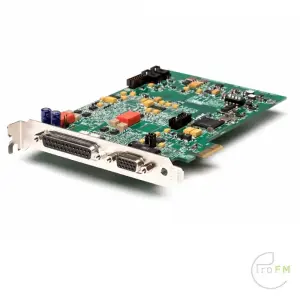
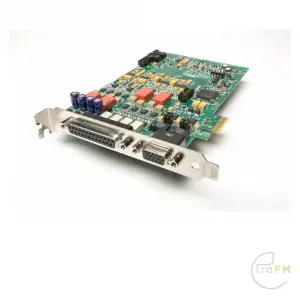
Marian manufactures professional audio interfaces and sound cards for demanding audio applications.
Depending on the model, Marian audio cards provide analogue or digital audio connections for studio computers and professional audio systems.
For example, engineers can use these solutions in recording environments, radio automation installations and other applications requiring reliable computer audio connectivity.
Furthermore, different interface configurations allow users to select the connection types that best match their existing equipment.
A professional broadcast sound card is an important component in many computer-based radio systems. Unlike standard consumer sound cards, professional models may offer dedicated drivers, multiple independent channels and connection formats for professional audio equipment.
Consequently, these interfaces can provide greater flexibility when connecting radio automation computers to professional studio systems.
Broadcast sound cards commonly support applications such as:
For example, a radio station may use separate audio channels for its main programme output and presenter preview functions.
Therefore, broadcasters should consider the number of independent audio channels and compatibility with their radio automation software before selecting a sound card.
USB audio interfaces provide an external connection between a computer and professional audio equipment. Therefore, they offer a practical alternative when an internal PCIe card is unsuitable.
A professional USB audio interface can simplify the integration of computer audio into broadcast studios, portable production systems and streaming installations.
Furthermore, external interfaces allow users to connect suitable audio hardware without installing an internal expansion card.
Depending on the model, USB interfaces may provide analogue audio inputs and outputs, digital connections and additional monitoring functions.
Angry Audio offers specialist audio products for radio broadcasting and professional studio applications.
For example, products such as the USB Analog Audio Gizmo and USB Digital Audio Gizmo provide solutions for connecting computer audio to professional broadcast equipment.
These interfaces are particularly relevant when engineers need to integrate computer audio sources into a radio studio or broadcast production environment.
However, connection formats and technical capabilities differ between models. Therefore, users should review the individual product specifications before purchasing.
Professional audio interfaces support different connection formats. Consequently, understanding these connections helps engineers select equipment that matches their existing broadcast or recording infrastructure.
Professional studios commonly use balanced analogue connections to transfer audio between mixing consoles, interfaces and other audio equipment.
Depending on the interface, analogue audio connections may use XLR, TRS or dedicated breakout cables.
Furthermore, balanced connections can help reduce interference when engineers use suitable equipment and cabling.
AES/EBU provides a professional digital audio connection format for broadcasting and recording facilities.
Professional audio cards with AES/EBU connections transfer digital audio between compatible equipment without requiring additional analogue conversion at each connection.
For example, engineers can connect broadcast computers to digital mixing consoles, audio processors and other professional digital audio equipment.
As a result, AES/EBU interfaces are particularly useful in studios that already operate with digital audio infrastructure.
Some professional audio cards support multiple simultaneous input and output channels. Therefore, they offer additional flexibility for complex broadcasting and recording installations.
For instance, radio stations can use multichannel interfaces to operate several independent playback sources or recording channels.
However, the number of supported channels and available routing functions depend on the selected interface and its driver configuration.
Audio quality represents only one consideration when selecting a professional sound card or audio interface. In addition, broadcast installations require reliable drivers and stable operation.
Therefore, engineers should evaluate both audio specifications and software compatibility before making a purchase.
Audio latency describes the delay between an audio signal entering a system and becoming available at its output.
Low-latency operation can be important for live production, monitoring and applications requiring accurate audio timing.
However, actual latency depends on the interface, audio drivers, software configuration and computer performance.
Professional audio hardware often uses dedicated drivers to provide reliable operation and access to advanced audio functions.
For example, many Windows-based professional audio applications benefit from ASIO driver support.
Therefore, users should verify compatibility with their intended operating system and radio automation or recording software.
Furthermore, checking current manufacturer driver support helps prevent compatibility problems during installation.
Professional audio interfaces support different sample rates and audio resolutions depending on the model.
For example, common professional audio applications use formats such as 44.1 kHz or 48 kHz, while some interfaces support higher sample rates.
However, higher sample rates are not automatically necessary for every broadcasting application.
Instead, engineers should select settings that match the requirements of their complete audio signal chain.
When comparing professional audio interfaces, users should consider several technical factors. In particular, connection formats, channel configurations and software compatibility play an important role.
Choose an internal PCIe sound card for a compatible desktop or rackmount computer. Alternatively, select an external USB interface when a separate device better suits the installation.
First, determine how many independent audio inputs and outputs your system requires for playback, recording, preview and monitoring.
For example, a radio automation system with several independent players may require multiple dedicated outputs.
Next, check whether your installation requires balanced analogue audio, AES/EBU digital audio or another supported connection format.
Consequently, you can avoid unnecessary conversion equipment and connection problems.
Always verify that the interface supports your operating system and professional audio or radio automation software.
In addition, check whether the manufacturer provides suitable drivers for your intended configuration.
Finally, consider whether you will use the equipment for continuous radio automation, studio recording, programme production or portable broadcasting.
These requirements help determine which professional audio interface best suits your application.
ProFM Broadcast supplies professional sound cards and audio interfaces for radio broadcasters, recording studios and professional audio installations.
Our product range includes internal PCIe audio cards, professional USB interfaces and equipment for analogue and digital audio connectivity.
Furthermore, our selection includes specialist solutions for radio automation, multichannel audio playback and professional studio integration.
Whether you need a multichannel interface for radio automation, a professional AES/EBU sound card or an external USB audio solution, choosing the correct hardware is essential for a reliable audio system.
Explore our selection of professional audio interfaces and compare the available connection formats, channel configurations and technical specifications.
Need assistance choosing a professional audio interface or broadcast sound card?
Contact ProFM Broadcast for product information and technical advice.
Showing 1–12 of 35 results


Protected by Security by CleanTalk